

The user sees a slow website or an error page. The admin sees a warning in the monitoring dashboard. The server administrator sees a completely different story — detailed, layered, and often alarming.
Phase 1 – The Calm Before the Storm
The server is running normally. Load average hovers around values between 0.3 – 0.8, from 0.8 to 1.5, then to 3. Processes are running smoothly. Logs grow slowly and steadily. Nothing suggests a problem.
Phase 2 – The Attack Begins
The server administrator first notices that the server load average starts climbing gradually – from 0.8 to 1.5, then to 3. It’s not dramatic, but the trend is clear. At the same time, things are happening that the admin would never see in a web control panel.
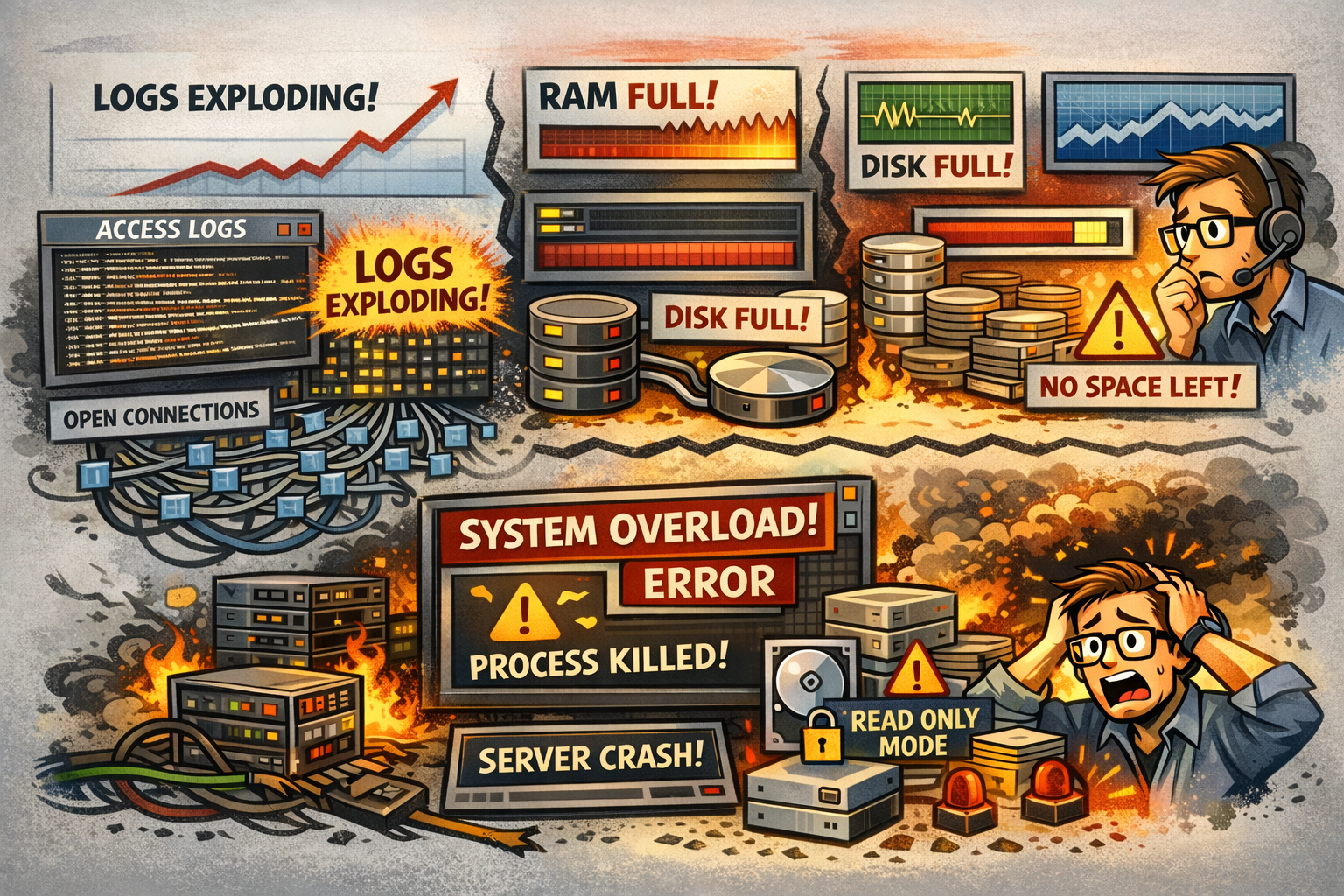
Access logs grow at an alarming rate. Every request means one line in the log – at thousands of requests per second, the log grows by hundreds of MB per hour. A log size of 50 MB in the morning can reach 8 GB by the afternoon.
The number of open connections rises. The server must keep records of all incoming connections in memory, and they accumulate faster than they can be processed.
Web server worker processes are fully occupied. Each incoming request takes up one slot in the processing queue – typically 100 to 200 are available. During an attack, every slot is taken and new requests either wait or get rejected.
Phase 3 – Escalation
The situation starts getting out of hand. Load averages exceed 16 on a 4-core server – meaning the CPU is heavily overloaded and processes must wait significantly longer for execution. Everything slows down in a cascade.
Physical RAM fills up. The system starts swapping memory to disk, which makes everything significantly worse – disk speed is orders of magnitude slower than RAM.
Disk I/O hits 90–100% – but not from of the database or the application. Log entries from the attack are written so fast that disk capacity is exhausted by logging alone.
Disk space runs out. Logs can fill an entire disk partition within hours. Once that happens, the server can no longer write anything at all – including the database or application temp files.
The administrator notices something interesting in the network monitoring: bandwidth on the network interface is surprisingly low. The attacker isn’t sending large payloads – just HTTP request headers, but easily around 10,000 per second. The server responds to each one, generates log entries, and allocates memory.
Phase 4 – Overload and Outage
The system approaches collapse. The administrator sees things the user or admin will never notice.
The operating system starts forcibly killing processes to free up memory. System logs show that the database server or application layer was terminated without warning. No notification to the user – things simply stop working.
The maximum process limit can be exhausted. Every operating system has a cap – typically thousands to tens of thousands of concurrent processes. Once reached, no new process can be started – not even a remote login by the administrator.
If the disk is completely full, the system automatically switches to read-only mode to prevent data corruption. The server is technically “running”, but it cannot write anything – databases fail, applications throw errors, new connections are impossible.
Under extreme load, the operating system can’t keep up with logging events – it may skip thousands of log entries because it can’t process them fast enough. The administrator loses visibility into what exactly is happening.
What the Attacker Sees vs. What the Sysadmin Sees
| What the attacker sees | What the sysadmin sees |
|---|---|
| Timeout or 503 error | Log entries about forcibly killed processes |
| Slow responses | Load of 16+ on a 4-core server |
| Nothing – the attack is “working” | Disk 100% full of logs, swap exhausted |
| Server still responding | Thousands of half-open connections waiting to be handled |
A Note on Brute-Force Attacks
With brute-force attacks – repeated login attempts – the progression is milder but specific. The administrator sees thousands of lines about failed login attempts from one or more IP addresses in the security logs. Protective tools gradually block these addresses, but the log entries keep accumulating in the meantime. The effect is the same – logs grow, disk fills up, and if log rotation isn’t properly configured, even this seemingly “mild” attack can bring a server down.
How to Prevent It – Protection Before the Attack Reaches the Server
All of the issues described above have one thing in common: they happen directly on the origin server. It sits at the end of the chain and takes the full force of the attack – processing every request, writing every log entry, allocating memory for every connection.
The solution isn’t a more powerful server. The solution is making sure the attack never reaches the origin server in the first place.
This is precisely the idea behind WEDOS.Protection. Customer traffic is routed through a network of scrubbing centers – specialized nodes distributed around the world – that capture, filter, and discard malicious traffic before it ever reaches the actual server. Legitimate visitors get through. The attack does not.
The key technology that makes this possible is BGP Anycast. It’s a method of routing internet traffic where the same IP address exists in multiple locations around the world simultaneously. When an attacker sends a massive volume of traffic, the internet automatically directs it to the nearest scrubbing center – not to the customer’s server. The scrubbing center has the capacity and processing power to absorb that kind of volume. The origin server, meanwhile, has no idea anything is happening.
In practice, this means that instead of the scenario described above – rising load, filling disks, and forcibly killed processes – the sysadmin sees nothing. Load average stays at 0.3–0.8. Logs grow at a steady pace. The server runs, the website is available, customers keep buying.
The attack gets absorbed by the network. Not by your server.